

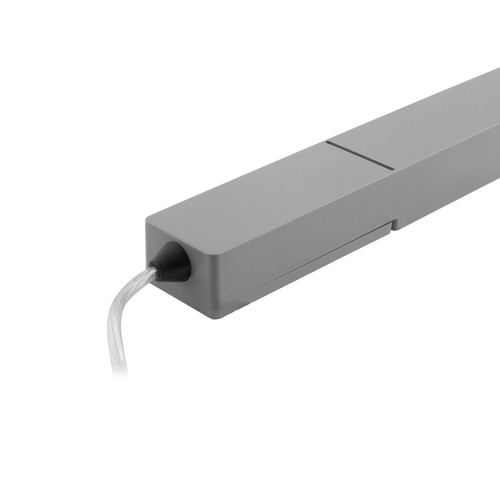
Wise Controls
Wise Scene/Dimming Receiver 24V 60W
Code: WISETRANS/REC 60
In stock (4)
Option A - Scene Programming
Programming a 7 button switch gives you 4 scenes, master raise/lower and off. A scene is a preset level of light for each circuit in a room. For example, you can have 4 receivers in your living room. Pressing scene 1 on the 7 button switch could give the following;
Downlights = 100%
Wall lights = 80%
Pendant = Off
Low level LEDs = 55%
Pressing scenes 2,3 and 4 can give other preset levels. Any level can be programmed to each receiver.
Option B - Dimming Programming
Programming a 1 button switch gives you on/off with a quick press and dimming up and down while holding the switch. When turning the lights on you can choose to always bring on the lights at 100% or the last dimmed level.
Option C - Switching ON only
Programming a 1 button switch gives you only ON. This function is used to program multiple circuits to ON.
Option D - Switching OFF only
Programming a 1 button switch gives you only OFF. This function is used to program multiple circuits to OFF.
A receiver is not limited to one of the programming options. E.g. you can program a switch for scene control, another switch for dimming and another switch for master ON/OFF.
Wireless Switches and Remotes
A 7 button switch must be used if you require scene setting, Option A. Any button switch can be used when programming options B,C and D. To view other switches click the links on the right of this page, for example Wireless ID switches.
Wise Controls Introduction Video
Added to your basket.
- Maximum Scenes Per Receiver
- 64
- Maximum Switches Per Receiver
- 16
- Radio Frequency
- 868.3 MHz
- Height
- 20mm
- Length
- 360mm
- Width
- 30mm
- Input Voltage
- 240V AC
- Maximum Wattage
- 60W
- Output Voltage
- 24V DC
- Voltage
- 24V DC
- Construction
- Plastic
- IP Rating
- IP65
You might also like
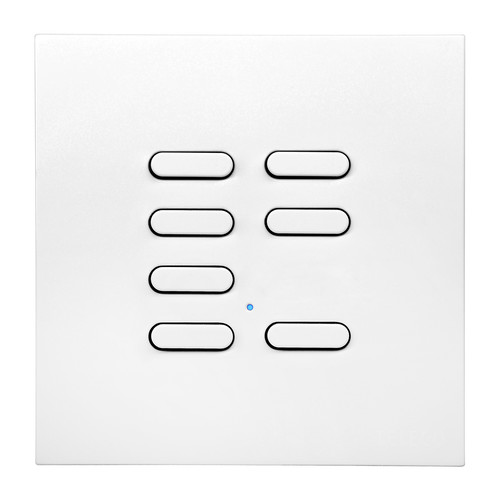
Wise Controls
Wise Switch 7 Channel White 3V
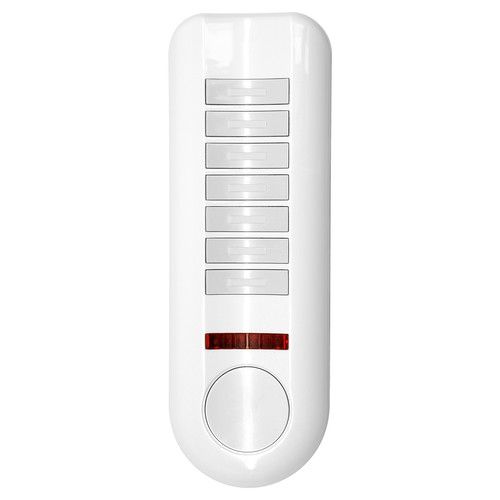
Wise Controls
Wise Pod Remote 7 Channel White
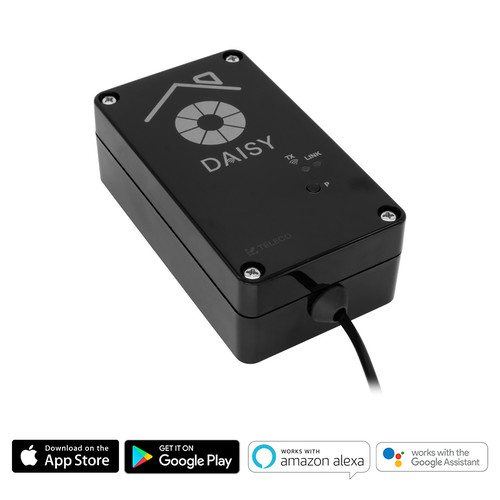 Sale
SaleWise Controls
Wise Wi-Fi Smart Interface for iPhone/Android WiFi Black
Wise Controls
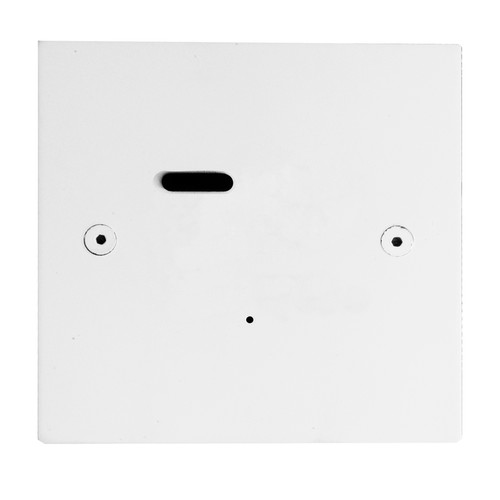
Wise ID Switch Primed White 1 Channel
 Out of stock
Wise Controls
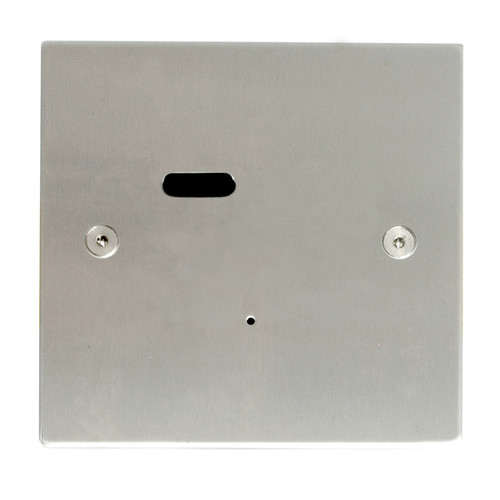
Wise ID Switch Satin Stainless Steel 1 Channel
 Out of stock
Wise Controls
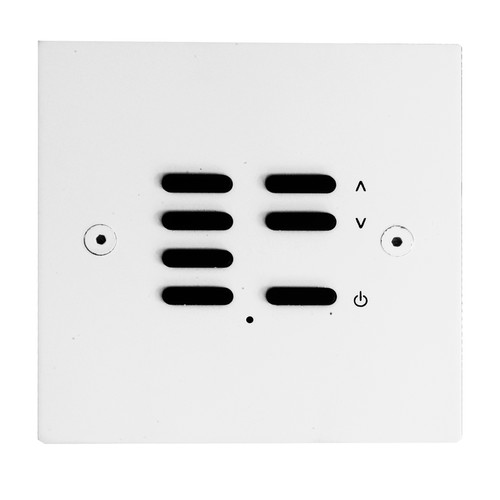
Wise ID Switch Primed White 7 Channel
Wise Controls
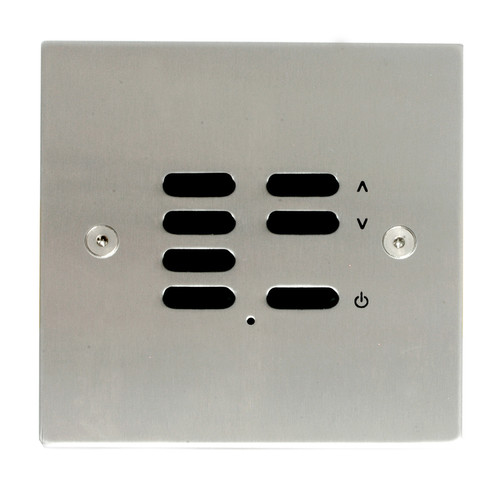
Wise ID Switch Satin Stainless Steel 7 Channel
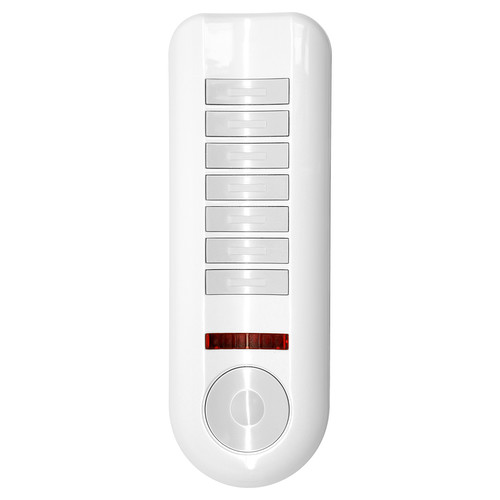
Wise Controls
Wise Pod Remote 42 Channel White
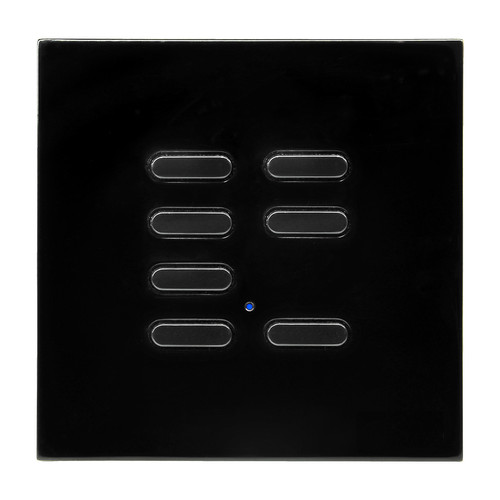
Wise Controls
Wise Switch 7 Channel Black 3V
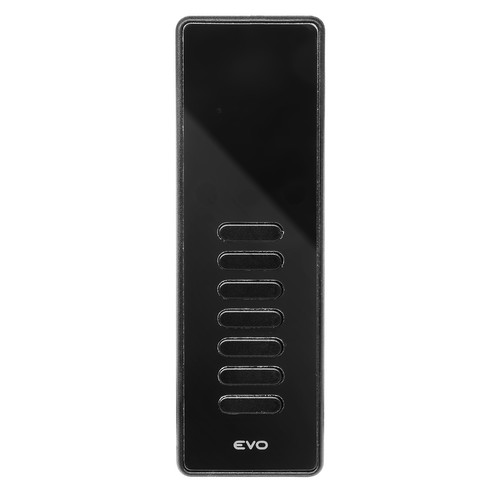
Wise Controls
Wise Evo Wireless Lighting Remote 7 Channel Black
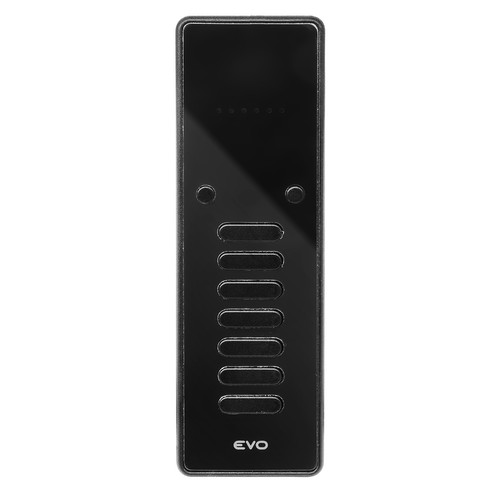
Wise Controls